
 28s preview
AI Music Video Generator
Make a music video from your song — and one photo
Upload your song, add a photo or clips, and tell Dmix AI what each scene should look like. It edits the video to the music and hands you a finished, shareable film — no editing skills needed.
How it works
Step 1
Add your photo or clips
A single photo is enough — Dmix AI keeps your look consistent in every scene. Existing footage works too.
Step 2
Drop in your song
Upload your own track, or pick from the Dmix Music library. The edit moves with the music's energy.
Step 3
Describe your scenes
Write each scene in plain language — or start from the template below. Dmix AI handles the editing.
Start from this scene template
A ready-to-use starting prompt for a high-energy performance video. Change any line — it's yours.
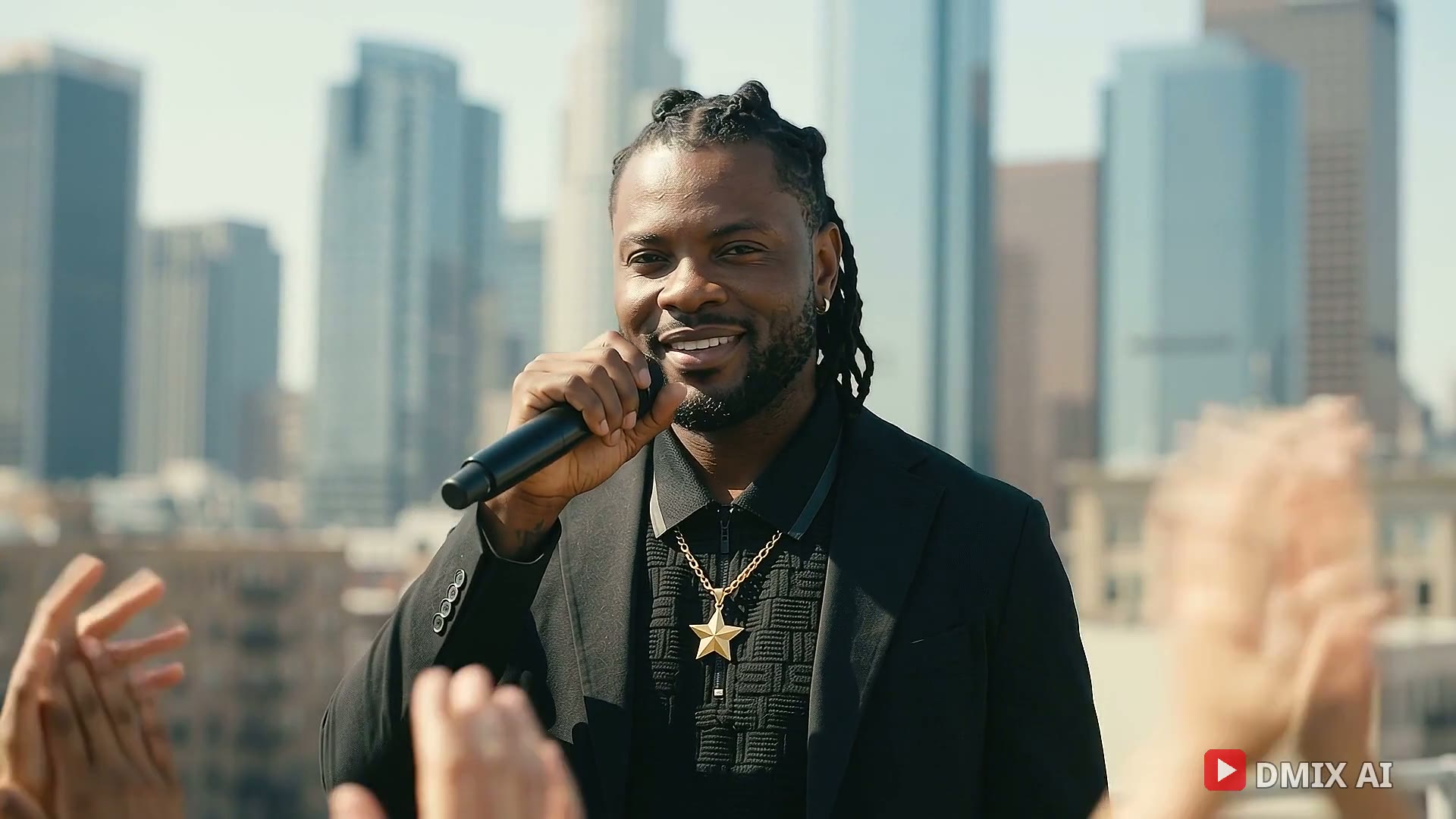
Scene 1: I perform on a sunny city rooftop with the crowd's hands up
Scene 2: I own a concert stage under red and white lights
Scene 3: I walk down a city street at golden hour
Mood: Confident, high energy. Keep my face, hair and outfit the same in every shot.
Music videos made with Dmix AI
Real examples from the Dmix AI gallery — watch one, then create something like it with your own photo and song.
28s previewQuestions, answered
What is an AI music video generator?
It's a tool that creates a music video for you using artificial intelligence. With Dmix AI, you upload a photo or video clips and your song, describe each scene in plain language, and Dmix AI produces an edited music video that matches the music's tempo and mood.
Do I need my own footage to make a music video?
No. One photo is enough — Dmix AI builds scenes around your photo while keeping your face, hair and outfit consistent. If you have existing footage, you can use that instead or combine both.
Can I use my own song?
Yes. Upload your track and Dmix AI edits to it, including detecting tempo, beats and song parts so scene changes follow the music. You can also choose from the Dmix Music library, which shows exactly what each track can be used for.
How long does it take to get a finished music video?
A short music video is typically ready in minutes after you describe your scenes. You can preview scene by scene, regenerate any scene you don't like, and export in the size and shape you need — including vertical for social.
Your song deserves a video
Start with a photo and a scene idea. Dmix AI does the rest.
Create with Dmix AI